

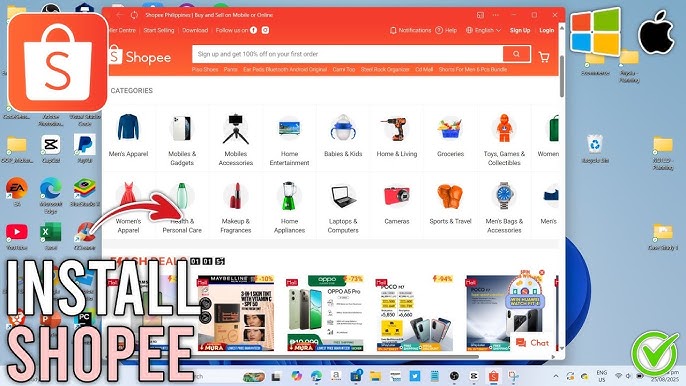
bigtargetmedia.com – Shopping online through Shopee is convenient for mobile users, but many buyers and sellers today prefer using Shopee on a bigger screen. Whether you manage multiple orders, run an online store, or simply want a more comfortable browsing experience, a Shopee application for PC becomes extremely useful. In 2025, there are several official and alternative methods available to help users install and run Shopee directly on Windows or macOS smoothly.
This complete guide will show you the safest ways to use Shopee on PC, the best apps to install, the benefits, product examples, and how to download each option securely.
What Is the Shopee Application for PC?
The Shopee application for PC is any software or emulator that allows you to run the Shopee mobile app directly on a computer. Shopee does not yet provide an official desktop application, so users rely on recommended, safe, and approved Android emulators to open the Shopee app.
These applications replicate the mobile experience on a bigger screen, allowing users to browse products, manage stores, and complete transactions efficiently. You can run Shopee with better visuals, faster navigation, and improved multitasking when using a desktop or laptop.
Why Users Need Shopee on PC
Many sellers and buyers need Shopee on PC for several reasons. Sellers often handle large volumes of chats, product uploads, and order management. A phone can feel limiting in these situations. Meanwhile, buyers benefit from better visibility when comparing products, especially electronics, fashion items, and furniture.
Accessing Shopee through a PC also reduces battery usage on your smartphone. For business users who run Shopee Live, the PC interface offers better stability and higher streaming quality. These advantages make the Shopee PC solution highly valuable in 2025.
Benefits of Using the Shopee Application for PC
Using the Shopee application for PC provides several powerful benefits. First, you get a larger workspace that allows better viewing of product images, reviews, and seller dashboards. This improves accuracy when making purchase decisions or uploading product details.
Another key benefit is enhanced productivity. Managing multiple chats, tracking shipments, and monitoring store analytics becomes easier when done through a keyboard and mouse. You also avoid overheating and battery drain, which often occur when running Shopee for long hours on a smartphone.
Additionally, PC applications often come with advanced features such as multi-instance support, which allows you to run more than one Shopee account at the same time. For dropshippers or online sellers with multiple stores, this is incredibly useful.
Best Shopee Application for PC (2025)
Below are the top 5 real-world applications you can use to run Shopee on your PC. Each option is safe, widely used, and capable of delivering mobile-level performance on a computer. Every example includes product details, benefits, and download instructions.
1. BlueStacks – Shopee Application for PC (Recommended)
BlueStacks is one of the most trusted Android emulators for running Shopee on Windows and Mac devices. This software is optimized for both performance and stability, making it an excellent option for online sellers who need responsive navigation. With its advanced virtualization technology, BlueStacks can run multiple instances, which is beneficial for users managing more than one Shopee account.
BlueStacks also offers a clean, modern interface that resembles an Android phone but with enhanced PC controls. This makes it easier to search for products, check out orders, and upload inventory using a mouse and keyboard. With millions of active users worldwide, BlueStacks stands out as one of the safest options.
Benefits of Using BlueStacks for Shopee
Using BlueStacks gives users a significantly smoother shopping experience. Its high-performance engine allows lag-free browsing even during Shopee sale events. For sellers, this is extremely useful when responding to customer chats quickly without worrying about app freezes.
Another key benefit is the built-in App Center, which ensures all apps downloaded are verified and safe. This reduces the risk of downloading modified apps or harmful files.
Use Case and Problem Solving
BlueStacks is ideal for heavy Shopee sellers who handle large catalogs. Uploading images, writing descriptions, and managing live chat become much easier on a PC. Buyers who compare multiple products side-by-side also benefit from larger screen visibility.
2. NoxPlayer – Shopee Application for PC (Lightweight Option)
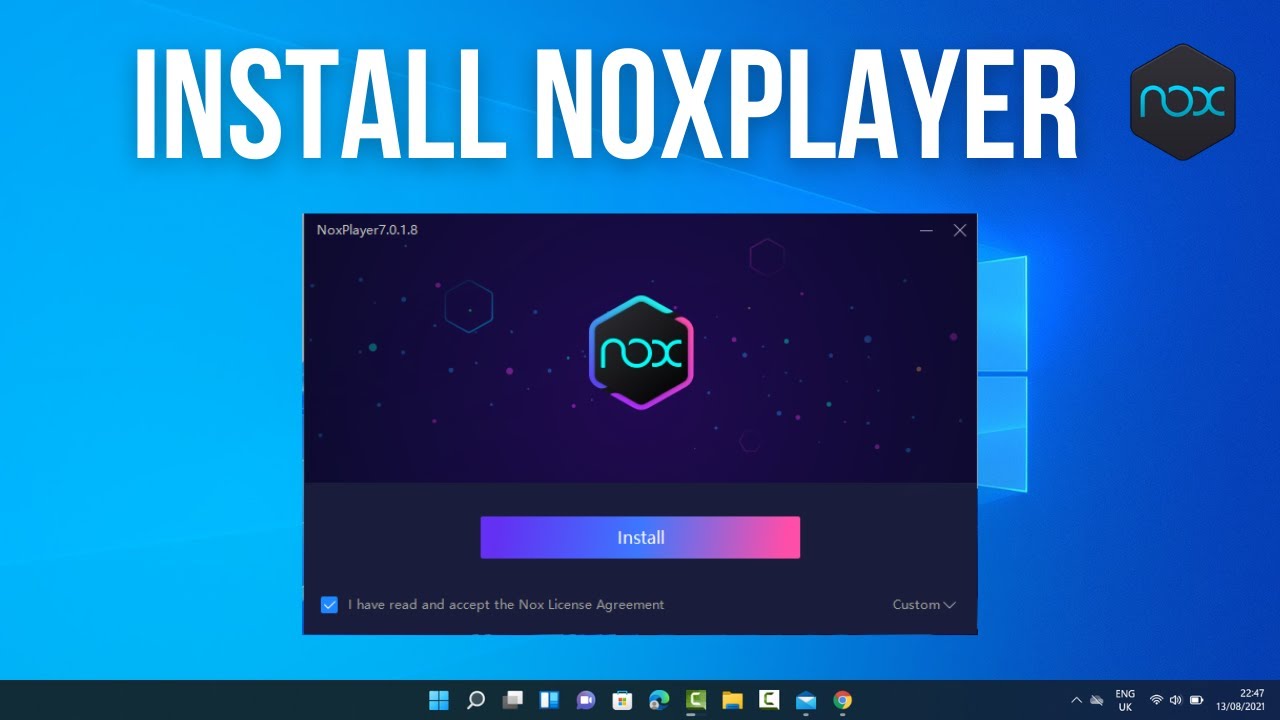
NoxPlayer is another popular emulator that supports Shopee on PC. It is known for being lightweight, making it suitable for users with older laptops or limited RAM. The interface is user-friendly, allowing beginners to navigate Shopee easily.
NoxPlayer includes advanced keyboard mapping features, which means you can assign shortcuts for scrolling, selecting items, and navigating quickly. It also offers performance optimization modes that let you adjust CPU and RAM usage based on your computer’s capabilities.
Benefits of Using NoxPlayer for Shopee
NoxPlayer provides a stable and responsive Shopee experience while consuming fewer system resources. This is helpful for students or casual users who want fast access without slowing down their computers.
Its multi-instance feature is also helpful for dropshippers who need multiple Shopee accounts running simultaneously. The emulator’s low power consumption makes it ideal for long usage hours.
Use Case and Problem Solving
NoxPlayer is perfect for users who want to browse Shopee without lag, even on lower-end PCs. It solves the issue of app crashes commonly seen in heavier emulators.
3. LDPlayer – Shopee Application for PC (High Performance)

LDPlayer is known for its fast performance and compatibility with most shopping and gaming apps, including Shopee. It offers excellent stability and responsiveness, making it highly recommended for Shopee users who frequently switch between apps.
It provides advanced multi-tasking tools, including macro automation for certain tasks. Although Shopee does not allow automation of interactions like checkout, LDPlayer’s speed still helps users navigate efficiently.
Benefits of Using LDPlayer
LDPlayer’s strong optimization ensures smooth performance, even during high-traffic events like Shopee 2.2, 3.3, or 12.12. Users experience fewer loading delays, which can impact checkout success during flash sales.
It also supports a high refresh rate, giving users a smoother browsing experience.
Use Case and Problem Solving
LDPlayer solves the common issue of screen lag when scrolling through large product lists. This makes product research more accurate and efficient.
4. MEmu Play – Shopee Application for PC (For Multitaskers)
MEmu Play is a versatile Android emulator that can run multiple Shopee accounts simultaneously. Its virtualization technology makes it stable even when running several apps at once.
MEmu Play provides excellent compatibility with Shopee mobile features, including Shopee Live, chat support, and store management tools.
Benefits of MEmu Play
MEmu offers improved speed when switching between apps and handles multitasking better than most alternatives. This helps online sellers handle various tasks without slowing down.
It also supports keyboard mapping and screen recording, allowing sellers to create store tutorials or promotional videos straight from their PC.
Use Case and Problem Solving
MEmu Play is ideal for users who run Shopee stores and need fast access to product uploads, order tracking, and message responses.
5. Genymotion – Shopee Application for PC (Professional Alternative)
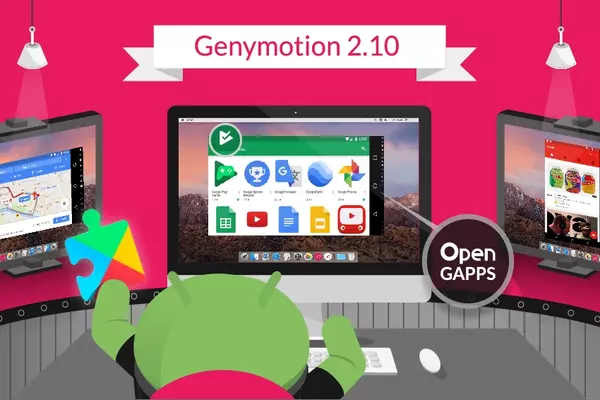
Genymotion is a powerful emulator designed for developers, but many advanced users rely on it to run apps like Shopee. It offers excellent performance, cloud-based options, and device simulation.
Genymotion may be more technical than BlueStacks or NoxPlayer, but it provides unmatched stability.
Benefits of Genymotion
Genymotion is highly customizable, allowing users to simulate various Android devices and test Shopee across different environments. Advanced users will appreciate its deep configuration flexibility.
It is also highly secure and does not include unnecessary bloatware.
Use Case and Problem Solving
Genymotion solves performance issues for users with powerful PCs who want maximum control over their Shopee environment.
How to Download and Install the Application for PC
Installing the Shopee application for PC is simple. Follow these steps:
-
Choose one of the recommended emulators above
-
Download it from the official website
-
Install the emulator on your PC
-
Open the Google Play Store inside the emulator
-
Search for “Shopee”
-
Download and install the Shopee app
-
Log in and start shopping or selling
This process ensures you use the safest and most compatible version of Shopee for PC.
FAQ
1. Is there an official Shopee application for PC?
Currently, Shopee does not offer an official desktop version. Users must use verified Android emulators to access Shopee on PC.
2. Is using Shopee on PC safe?
Yes. As long as you download emulators from official websites, using Shopee on PC is safe.
3. Which emulator is best for Shopee?
BlueStacks and LDPlayer are the most recommended due to performance, stability, and compatibility.
