

Bigtargetmedia.com – Many beginners believe that creating a website requires advanced programming skills. In the past, building a website meant learning complex languages such as HTML, CSS, and JavaScript. Today, modern tools have changed that reality completely. Anyone can learn how to build a website without coding by using intuitive platforms that simplify the entire process.
A modern website builder works much like a visual design tool. Instead of writing code, users drag elements such as text blocks, images, menus, and buttons onto a page. The platform automatically converts these visual actions into functional website structures.
Imagine assembling furniture using pre-designed components. Instead of cutting wood and designing every piece yourself, you simply combine prepared parts into a complete structure. Website builders follow the same principle. They provide ready-made tools so beginners can focus on content and design rather than technical programming.
Learning how to build a website without coding involves understanding the right tools, choosing a suitable platform, organizing pages logically, and publishing content that visitors can easily navigate. Once beginners understand this process, they can build professional websites quickly and efficiently.
Understand the Concept of No-Code Website Building
Before creating a website, beginners must understand what no-code development means and why it simplifies website creation.
Learn How Visual Website Builders Replace Coding
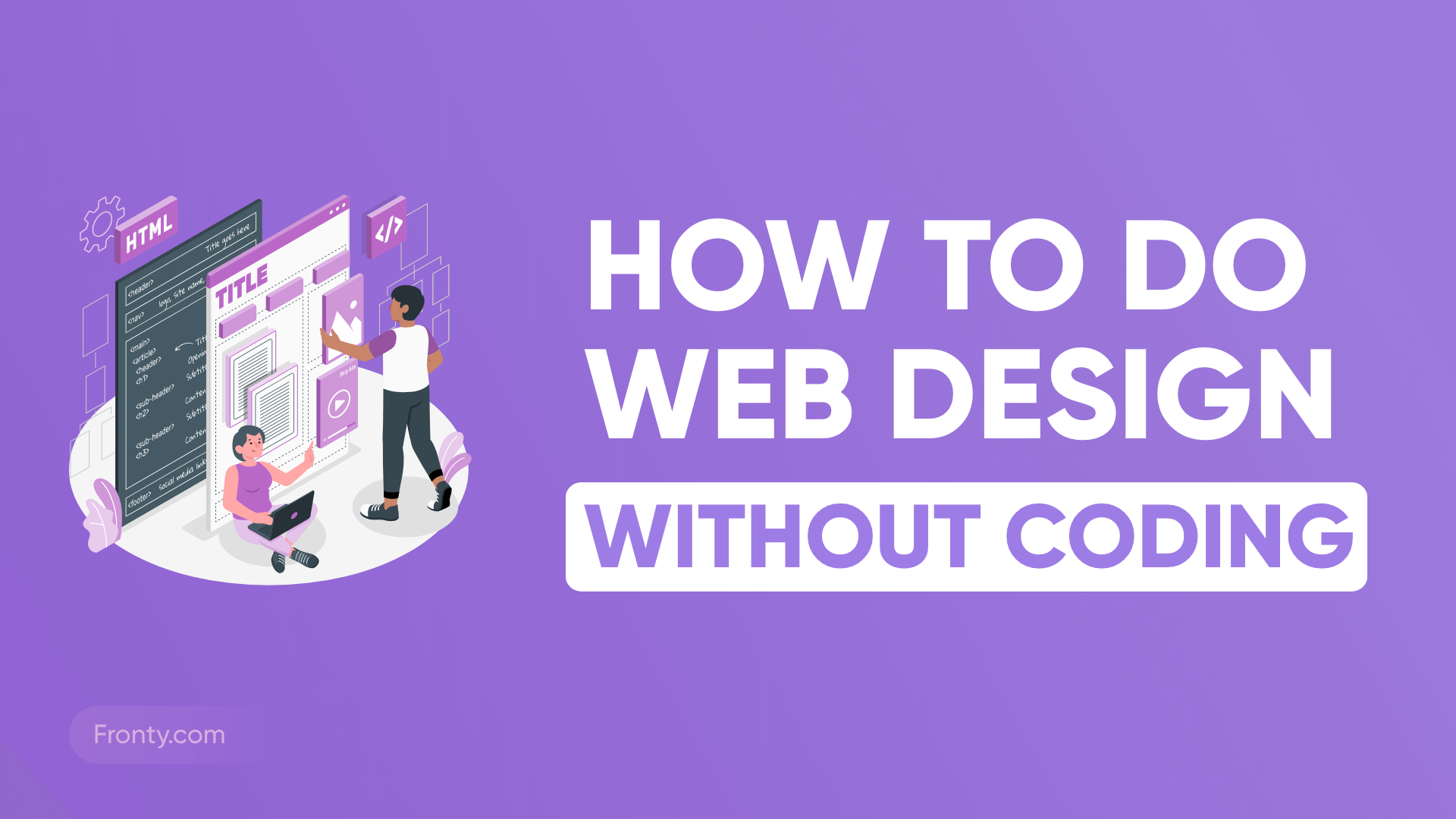
The foundation of how to build a website without coding lies in visual website builders. These tools remove the need to write technical code by providing graphical interfaces that control layout, structure, and functionality.
When users design a page, they interact with visual elements instead of programming scripts. For example, adding a headline simply involves dragging a text block onto the page and typing the content. The platform automatically creates the necessary code behind the scenes.
This approach allows beginners to focus on the structure of their website rather than the technical implementation. The builder translates visual actions into working website components.
Consider the difference between building a car engine and driving a car. Engineers must understand the internal mechanics, but drivers only need to know how to operate the controls. No-code website builders follow the same idea. They hide the technical complexity while giving users full control over the final result.
Understanding this concept helps beginners feel confident about learning how to build a website without coding.
Choose the Right No-Code Website Platform
Selecting the correct platform plays a major role in website creation because the platform determines design flexibility and usability.
Evaluate Platforms Based on Simplicity and Features
Beginners exploring how to build a website without coding should look for platforms that combine simplicity with strong functionality. The platform should allow users to create pages, customize layouts, and publish content easily.
Most no-code platforms provide ready-made templates that act as design foundations. These templates define the general appearance of the website while allowing users to adjust colors, typography, and layout.
Choosing a template works similarly to selecting the architectural style of a house. The basic structure already exists, but the owner can customize interior design elements according to personal preferences.
Beginners should prioritize platforms that offer clear dashboards, drag-and-drop editors, and responsive design. Responsive design ensures that the website displays properly on both computers and mobile devices.
A reliable platform simplifies the entire learning process and makes building a website without coding far more accessible.
Design the Structure of Your Website Pages
Once the platform is ready, beginners must plan the structure of the website so visitors can navigate information easily.
Organize Pages to Guide Visitor Navigation
The structure of a website determines how visitors move between pages. Anyone learning how to build a website without coding should organize pages logically so users can understand the website quickly.
Most websites begin with a homepage that introduces the purpose of the site. From this starting point, visitors can navigate to other sections such as the about page, services page, or blog.
Think of the homepage as the entrance lobby of a building. Visitors arrive at this central location before moving to different rooms depending on their interests.
Menus play an important role in guiding navigation. Clear menu labels help visitors understand where each link leads. A well-organized structure prevents confusion and keeps users engaged.
When the website structure remains simple and intuitive, visitors spend more time exploring the content.
Customize the Design Using Drag-and-Drop Tools
After organizing the structure, beginners can design the appearance of the website using visual editing tools.
Build Pages by Arranging Visual Elements

Visual editors allow users to build pages by placing elements such as headings, images, videos, and buttons directly on the screen. This approach represents the practical side of how to build a website without coding.
Users simply drag components into position and adjust their appearance using built-in controls. For example, they can change font styles, modify background colors, or adjust image sizes.
The editing experience resembles designing a presentation slide. Users arrange content visually until the layout feels balanced and readable.
Good design focuses on clarity and usability rather than complexity. Clean layouts, readable fonts, and balanced spacing help visitors understand the content quickly.
When beginners prioritize simplicity, the final website looks professional while remaining easy to navigate.
Add Content That Communicates the Website’s Purpose
Design attracts attention, but content gives visitors a reason to stay. Every website must communicate its purpose clearly.
Write Clear and Informative Page Content
A key step in building a website without coding involves creating meaningful content that explains the value of the website.
Each page should serve a clear purpose. The homepage introduces the website’s main idea, while other pages provide deeper explanations or specific services.
Short paragraphs and descriptive headings improve readability. Visitors should understand the message of the page within a few seconds.
Content should also answer the questions visitors might have. For example, a business website might explain services, pricing, and contact options.
Imagine entering a store where every section clearly displays what it offers. Visitors feel comfortable exploring because the information appears organized and accessible. Effective website content creates the same experience online.
Strong content, therefore,e plays a vital role in the process of learning how to build a website without coding.
Publish and Maintain the Website for Long-Term Growth
After completing design and content creation, beginners can launch the website and make it accessible to the public.
Monitor Performance and Update Content Regularly
Publishing the website marks the final stepin buildingd a website without coding, but successful websites continue evolving after launch.
Website owners should review performance metrics, update information, and add new pages when necessary. Regular updates help maintain relevance and improve visitor engagement.
Search engines also favor websites that remain active and updated. Fresh content signals that the site continues providing valuable information.
Think of a website as a growing digital library. Each new page adds knowledge and expands the value of the entire collection.
When beginners maintain their websites consistently, they create an online resource that continues improving over time.
Conclusion
Understanding how to build a website without coding becomes straightforward when beginners follow a structured approach. Modern no-code platforms allow users to design and publish websites through visual tools rather than complex programming.
The process begins by understanding how website builders replace traditional coding. Next, beginners choose a suitable platform and organize the structure of their website pages. Drag-and-drop editors allow users to customize layouts easily while maintaining a clean and readable design.
Content creation ensures that visitors understand the purpose of the website and find valuable information. Finally, publishing and maintaining the website ensures long-term growth and relevance.
When beginners apply these steps consistently, they quickly discover that learning how to build a website without coding offers a practical and accessible path to creating professional websites on the modern internet.
